
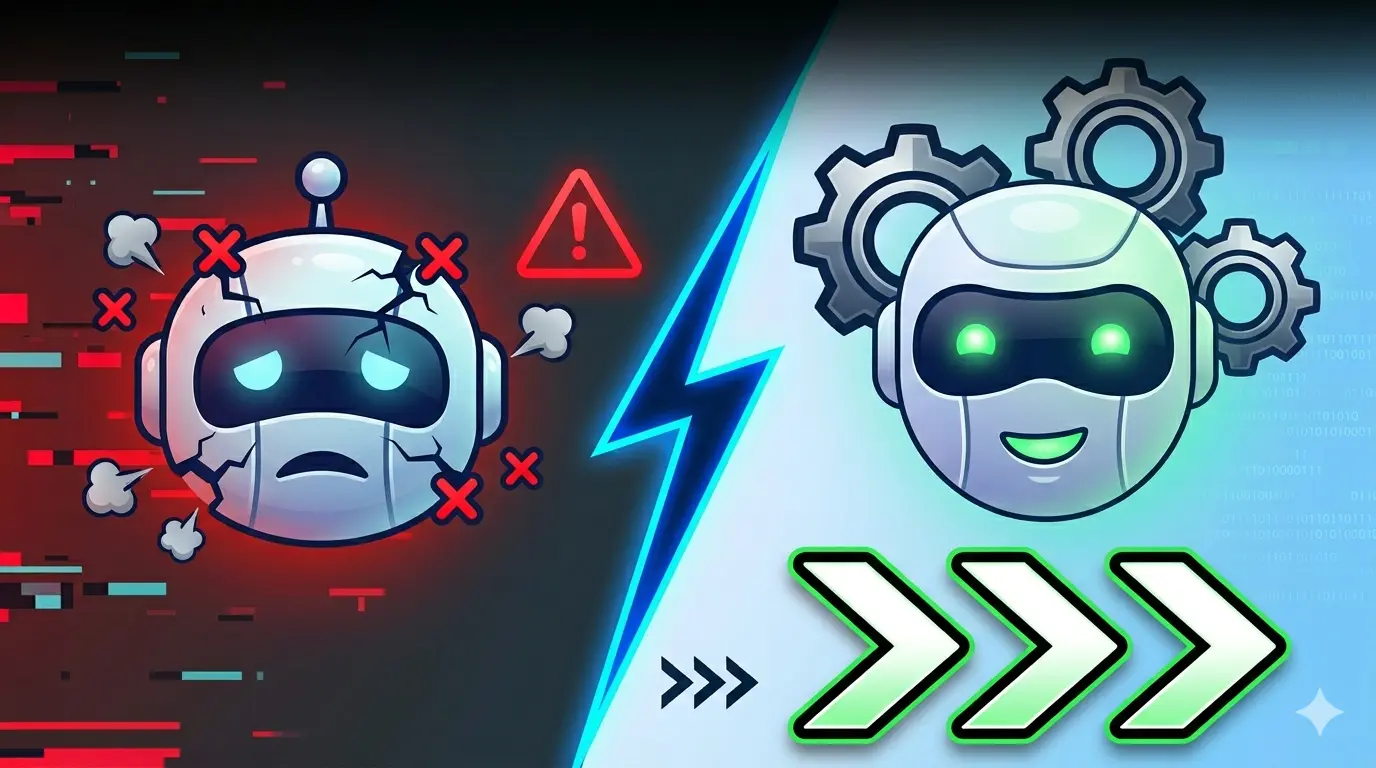
Your AI agent sounds great in demos but falls apart the moment real users touch it. The chatbot that impressed your CEO now responds with “I don’t understand” to 40% of customer queries. The document processing agent that worked flawlessly on test files chokes on actual company PDFs.
This isn’t a problem with the underlying AI models. GPT-4 and Claude are remarkably capable. The issue is how you’re building agents around them.
The Context Problem Nobody Talks About
Most agent failures trace back to context management. You’re either giving your agent too little information to work with, or drowning it in irrelevant data.
Take Intercom’s Resolution Bot. Early versions tried to access their entire knowledge base for every query. Sounds logical, right? Wrong. The agent would pull articles about billing when customers asked about bugs, simply because both mentioned “account settings.”
The fix wasn’t better AI. It was better context filtering. They implemented semantic routing that identifies intent first, then pulls relevant context. Customer satisfaction with automated responses jumped from 32% to 67%.
Your agent needs just enough context to be helpful, but not so much that it gets confused. Think of it like giving directions to a taxi driver. You don’t recite the entire city map – you give them the destination and key landmarks.
Memory That Actually Matters
Most agents treat every interaction like meeting someone for the first time. That’s fine for simple tasks, but useless for complex workflows.
Consider how Notion’s AI assistant handles project management queries. It doesn’t just remember what you asked five minutes ago. It maintains context about your workspace structure, recent activity patterns, and ongoing projects. When you ask “update the deadline,” it knows which deadline because it remembers the project context from your previous interactions.
But here’s the catch: unlimited memory creates noise. Notion’s agent only retains information that’s relevant to current tasks. Old project discussions get archived, not deleted – they’re retrievable if needed but don’t clutter active memory.
Implement memory hierarchies. Working memory for immediate context. Short-term memory for the current session. Long-term memory for user preferences and historical patterns. Most importantly, implement forgetting. Your agent needs to know what not to remember.
Tool Integration That Doesn’t Suck
Giving your agent access to tools is like handing someone a Swiss Army knife while blindfolded. They might accomplish something, but probably not what you intended.
Zapier’s AI Actions demonstrate tool integration done right. Instead of exposing raw API endpoints, they created semantic wrappers. The agent doesn’t need to know Slack’s exact API parameters – it just needs to understand “send message to marketing channel about product launch delay.”
Each tool integration needs three layers:
- Intent recognition: What is the user actually trying to accomplish?
- Parameter extraction: What specific data does the tool need?
- Result interpretation: How should the tool’s output be presented?
GitHub Copilot Workspace shows this pattern in action. When you ask it to “fix the login bug,” it doesn’t just run tests randomly. It identifies the intent (debugging), extracts parameters (login-related code), runs appropriate tools (static analysis, test execution), and presents results in context (“Found issue in authentication middleware, here’s the fix”).
Error Handling Beyond “Something Went Wrong”
Your agent will fail. Plan for it.
Most agents handle errors like a blue screen of death – they crash ungracefully and provide zero useful information. Users get frustrated. Trust erodes. Projects get shelved.
Anthropic’s Claude handles uncertainty elegantly. Instead of hallucinating answers or failing silently, it explicitly states confidence levels. “I’m fairly certain this is the correct SQL query, but you should review the JOIN conditions.” This transparency actually builds trust.
Implement graceful degradation:
- Confidence thresholds: If certainty drops below 70%, ask clarifying questions
- Fallback options: Can’t complete the full task? Offer partial solutions
- Human handoff: Know when to escalate to human operators
Salesforce’s Einstein Case Classification does this well. When confidence is low, it doesn’t guess – it routes cases to human agents with a summary of what it tried and why it’s uncertain.
Performance Monitoring That Predicts Problems
You can’t improve what you don’t measure, but most teams track the wrong metrics.
Response time and accuracy rates are lagging indicators. By the time they show problems, users are already frustrated. Leading indicators tell you trouble is coming before it arrives.
LangSmith (from LangChain) tracks token usage patterns, retrieval accuracy, and user retry rates. Sudden spikes in token consumption often indicate context bloat. Increasing retry rates suggest the agent is misunderstanding intents.
Monitor these early warning signals:
- Context retrieval precision: Is your agent pulling the right information?
- Tool usage patterns: Are tools being called appropriately?
- User correction frequency: How often do users need to clarify or correct?
- Session abandonment points: Where do users give up?
Building Agents That Actually Work
Successful AI agents aren’t just powerful – they’re predictable. Users need to understand what they can and can’t do. Boundaries create trust.
Start small. Build agents for specific, well-defined tasks before attempting general-purpose assistants. Stripe’s support agent only handles billing questions, but it handles them better than most human agents because it knows its domain completely.
Focus on the experience, not the technology. Your users don’t care if you’re using RAG or fine-tuning. They care if the agent solves their problems quickly and accurately.
Most importantly, design for failure. The best agents aren’t the ones that never break – they’re the ones that break gracefully and recover quickly.