
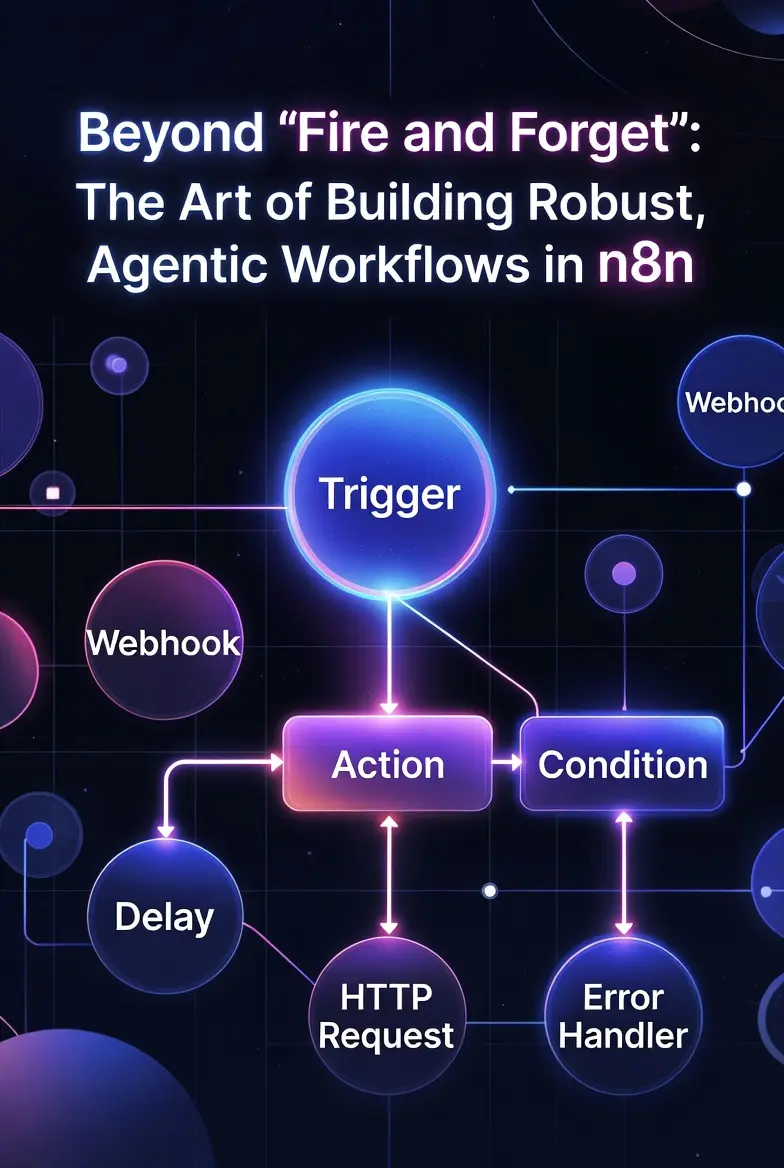
The problem with most “how-to” guides for n8n—the versatile, open-source workflow automation platform—is that they treat every automation like a light switch. You flip it, it either works or it doesn’t, and the interaction is over. This “fire and forget” mentality is dangerous. It builds brittle systems that crack at the first sign of an edge case or a non-standard API response.
If we want to build workflows that don’t just “execute” tasks but actually solve problems, we must treat them as dynamic systems. We need to move from linear automation to what is now called agentic workflows—processes that can iterate, self-correct, and act with a degree of context-aware intelligence.
Building these better, more robust workflows in n8n requires more than just connecting nodes; it demands strategic design. Here are the core strategies for creating workflows that are resilient, smart, and truly helpful.
1. Shift the Mindset: Plan for the Error (Because It’s Coming)
Traditional n8n users design for the “happy path”—the logical sequence that occurs when everything works perfectly. This is a design flaw. APIs fail. Data is messy. Rate limits are hit. A robust workflow expects failure and has a built-in response.
Strategic Implication: Comprehensive Error Handling
In n8n, the “Continue On Fail” setting on a node is useful, but insufficient. A truly strategic workflow implements granular error routing. The first step after any external API call (be it OpenAI, Slack, or a custom webhook) should often be an n8n Switch node.
This Switch node inspects the response from the previous action.
- Was the status code 200 (Success)? Continue the “happy path.”
- Was it 429 (Rate Limit)? Route to a Wait node, then loop back and retry.
- Was it 500 (Internal Server Error) or did the connection simply fail? Route this branch to a separate “Error Handling” workflow.
This secondary workflow is critical. It shouldn’t just send a generic alert. It can capture the full payload of the failing node, log the time and specific error message, and only then notify a human via Slack or Email. The goal is to isolate failures, ensuring one small error doesn’t collapse the entire system.
2. Isolate the Brain: Build ‘Agentic’ Logic
The core difference between automation and an agent is reasoning. A static workflow says: “Take Input X and put it into Field Y.” An agentic workflow says: “Review Input X. Does it look like it should go into Field Y? If not, what should be done instead?”
Strategic Implication: The Critique Loop
We can build this “reasoning” layer directly into n8n by employing one of the most powerful agentic patterns: The Critique Loop.
Instead of accepting the output of an LLM (Large Language Model) as final, you feed that output back into another LLM node acting as a “Critic” or “Editor.”
Consider a workflow generating SEO meta descriptions for your blog posts:
- Input: The full blog post text.
- LLM Node 1 (The Creator): “Based on this text, generate three SEO-friendly meta descriptions under 160 characters.”
- LLM Node 2 (The Critic): Your prompt here must be precise. You aren’t asking it to generate text, you are asking it to verify constraints. “Review the following three meta descriptions. Are they accurate to the content? (Yes/No). Are they under 160 characters? (Yes/No). Suggest improvements for any that fail these checks.”
- n8n Switch Node: Routes based on Node 2’s verification. If ‘No’, route back to Node 1 with the Critic’s feedback for a redraw. If ‘Yes’, proceed.
This simple loop moves the workflow from passive execution to active quality control.
3. Embrace Modularity: Workflows that Call Workflows
A common n8n pitfall is the monster workflow: a single, sprawling canvas with 150 interconnected nodes that becomes impossible to debug, modify, or even understand.
Strategic Implication: The ‘Execute Workflow’ Node
Break complex workflows into small, atomic sub-workflows. Each workflow should do one thing well:
Sub-Workflow 1: Authenticate and get API tokensSub-Workflow 2: Clean and format dataSub-Workflow 3: Post update to Slack and notify team
In your master workflow, you use the Execute Workflow node to call these modules.
This modularity achieves three things:
- Testing: You can test
Sub-Workflow 2in isolation to ensure it handles all formatting edge cases without triggering the rest of the automation. - Reusability: The authentication logic (Sub-Workflow 1) can be called by every workflow you build, preventing code duplication.
- Error Isolation: If
Sub-Workflow 3fails, the master workflow logs the failure and continues (or retries), isolating the error to that specific module.
Conclusion
The technology of automation, represented so well by n8n, has outpaced our strategic use of it. We are still building brittle, simple automations even as we hold the tools for dynamic, self-correcting agents.
Building better n8n workflows isn’t about complexity; it’s about thoughtfulness. It requires us to move beyond “Can I build it?” to “How will it behave when it breaks, when the input is poor, or when a second opinion is required?” When you start asking those questions, you cease being an automator and begin being an architect of agentic systems.